Recording and telehealth
Record High-Quality Sessions
Mic placement, session length, what to say aloud, and how to correct medication names after the visit.
Set up your audio
-
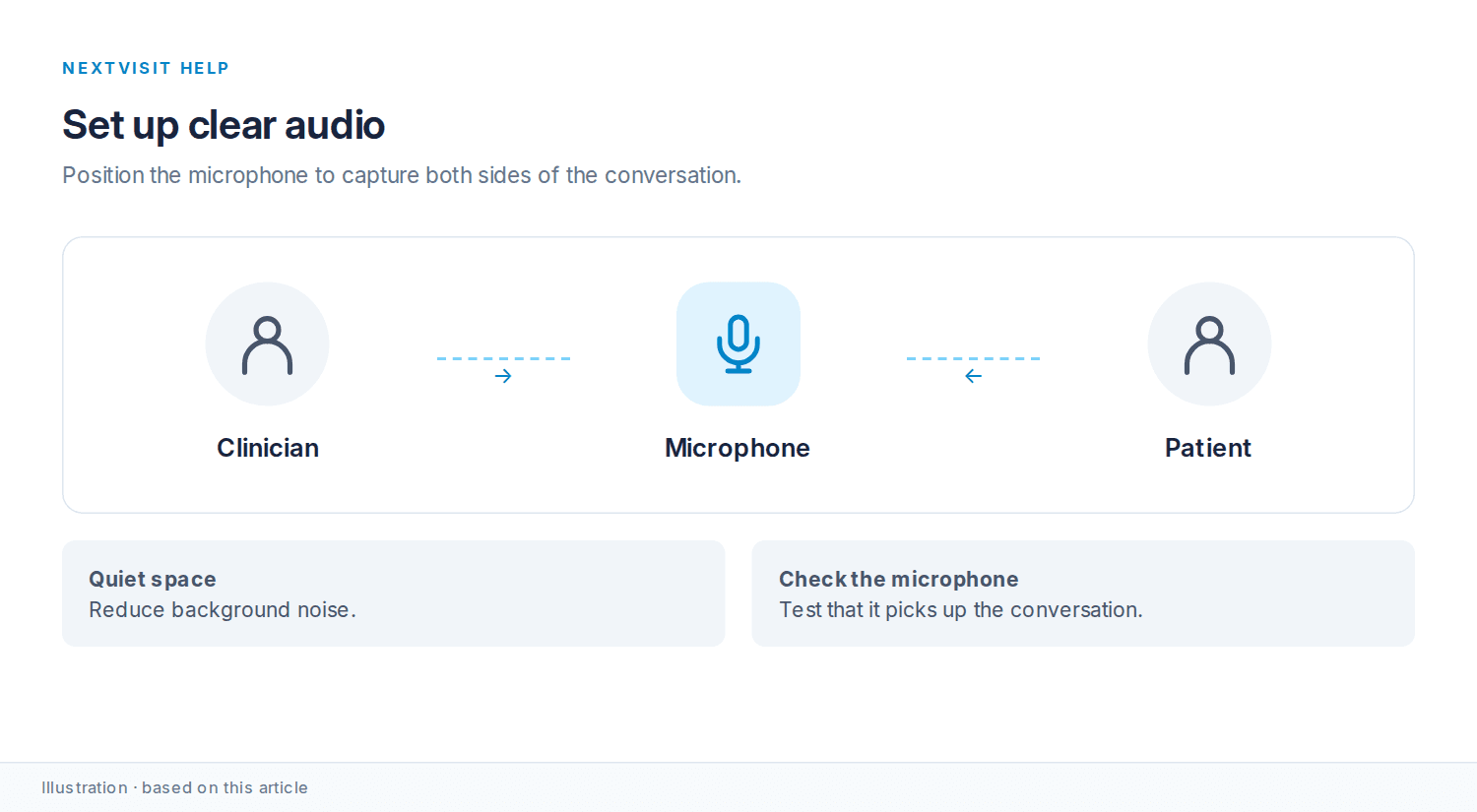
Use a microphone positioned close enough to clearly capture both you and your patient.
-
Avoid background noise when possible. Quiet environments produce better results.
Record the right length
-
Sessions can be as short as 30 seconds or up to an hour.
-
Record the full clinical conversation, especially the parts that matter for documentation.
Include key clinical details
-
Say the patient’s name, presenting concern, diagnosis or condition, treatment plan, and any medications if you haven’t already set up a patient profile or context.
-
Include any relevant follow-up instructions during the conversation.
Medication names
-
The AI may misinterpret drug names in the raw transcript.
-
You can review and correct these post-session in your timeline or notes view.
The system filters small talk and background interruptions. Focus on the clinical conversation.
Was this article helpful?
Still stuck? Our team answers in the messenger.