Getting started
Recommended Devices and Software
New to Nextvisit? Make sure your device works flawlessly with us.
Microphone requirements
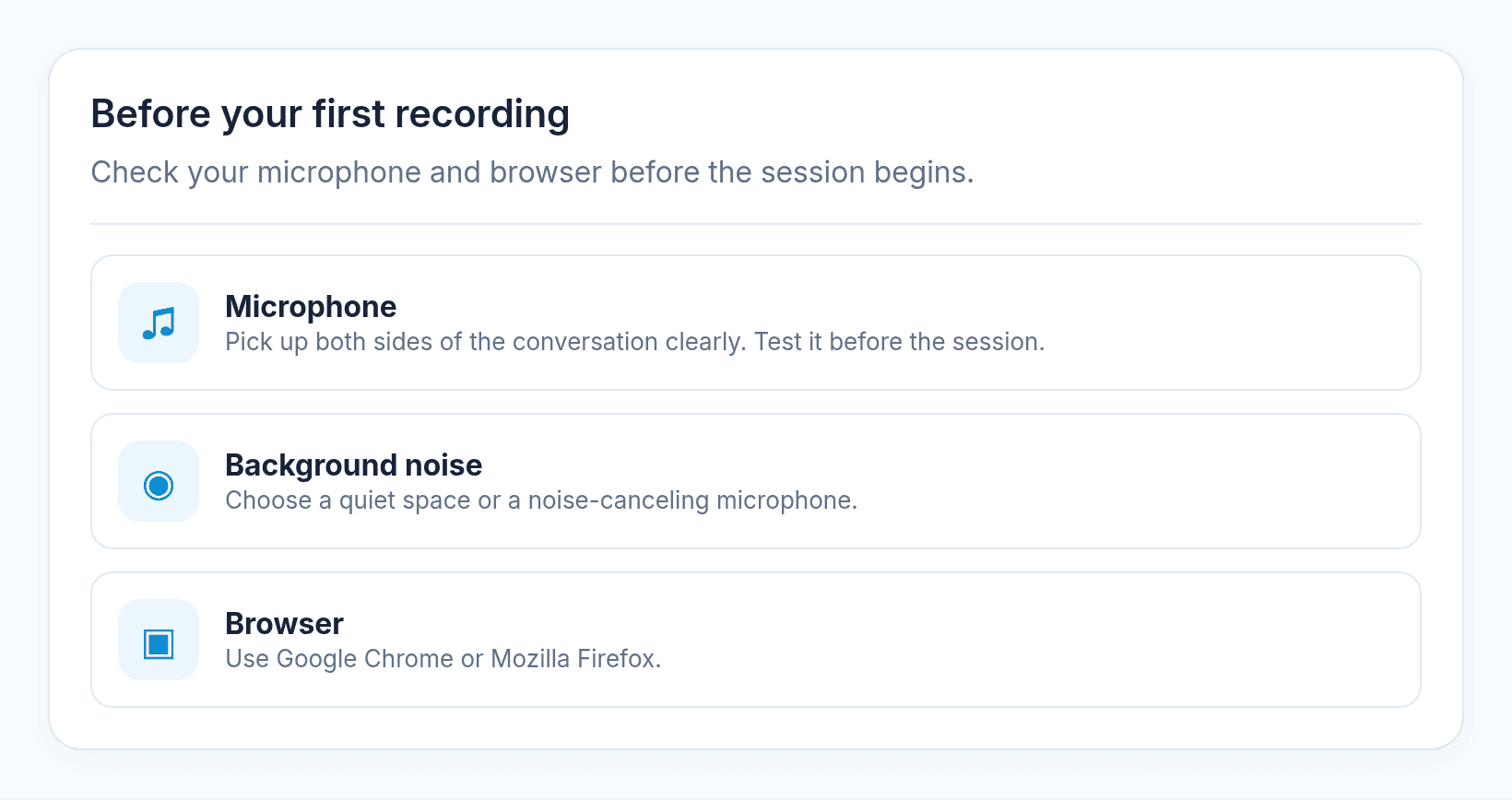
Audio quality has a direct impact on transcription accuracy. When selecting a microphone:
-
Use a microphone that can clearly pick up conversation with the patient.
-
Prefer a noise-canceling microphone to reduce background noise.
-
Test your microphone before starting a session.
Recommended browsers
Use Google Chrome or Mozilla Firefox for best compatibility and performance. Both have been tested and work well with Nextvisit AI.
Was this article helpful?
Still stuck? Our team answers in the messenger.