AI preferences
Note Sections Settings
Choose which clinical sections appear in your AI-generated notes. Toggle sections on or off based on your documentation requirements.
How it works
-
Navigate to Preferences -> AI Settings -> Note Sections
-
Use the toggle switches to enable or disable each section
Your selection saves automatically.
Enabled sections appear in generated notes. Disabled sections are omitted.
If Mental Status Exam is on, Nextvisit adds that section even when the template has no mental status heading.
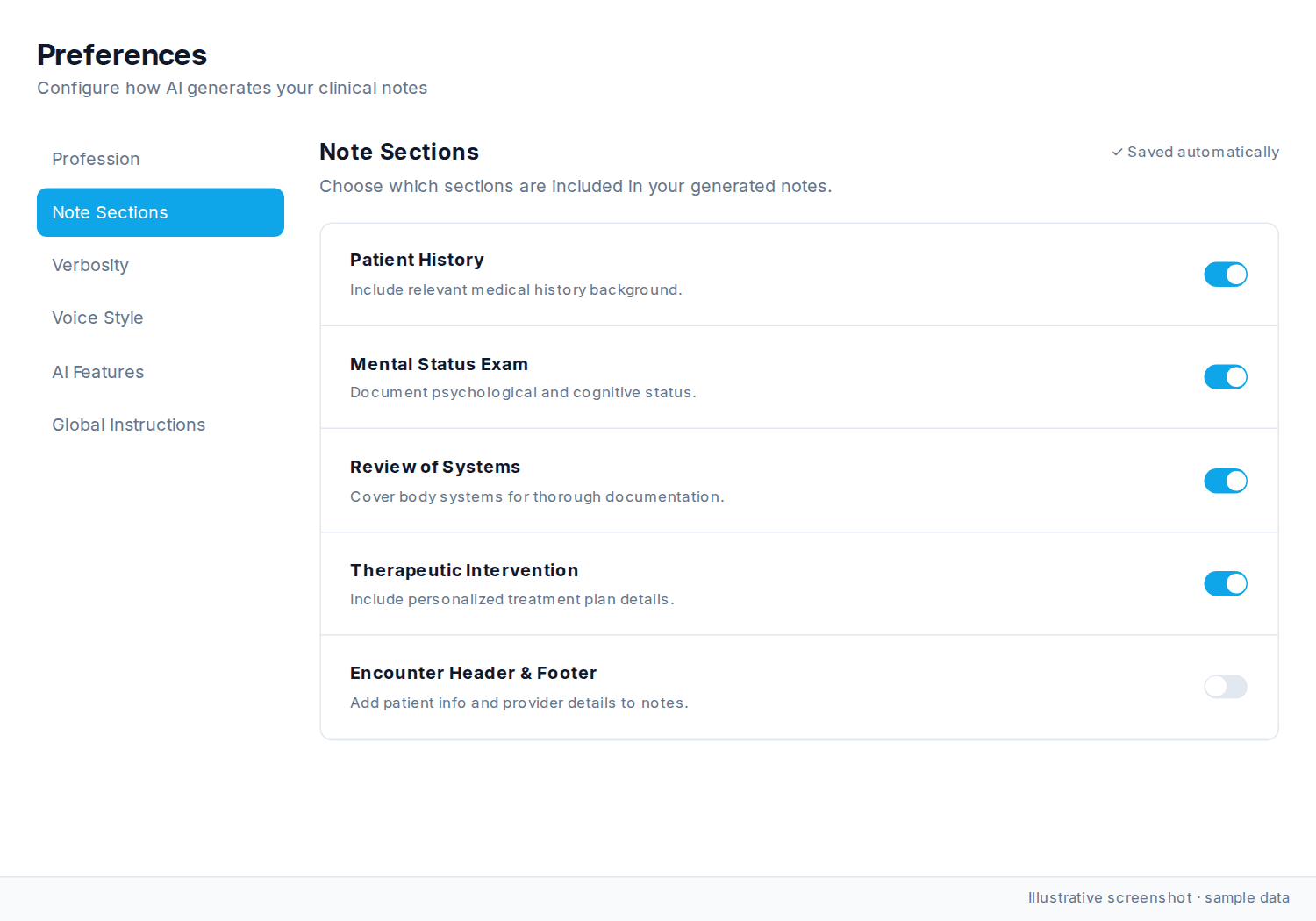
Available sections
| Section | Description | Default |
|---|---|---|
| Patient History | Relevant medical history background | ON |
| Mental Status Exam | Psychological and cognitive status documentation | ON |
| Review of Systems | Body systems coverage for thorough documentation | ON |
| Therapeutic Intervention | Personalized treatment plan details | ON |
| Encounter Header & Footer | Patient info and provider details added to notes | OFF |
Each section is independent. Mental Status Exam and Therapeutic Intervention matter most for behavioral health. Enable Header & Footer if your EHR does not already add patient and provider information.
Was this article helpful?
Still stuck? Our team answers in the messenger.