AI preferences
AI Settings Overview
Six AI settings categories: Profession, Note Sections, Verbosity, Voice Style, AI Features, and Global Instructions.
Accessing AI settings
Location: Preferences -> AI Settings
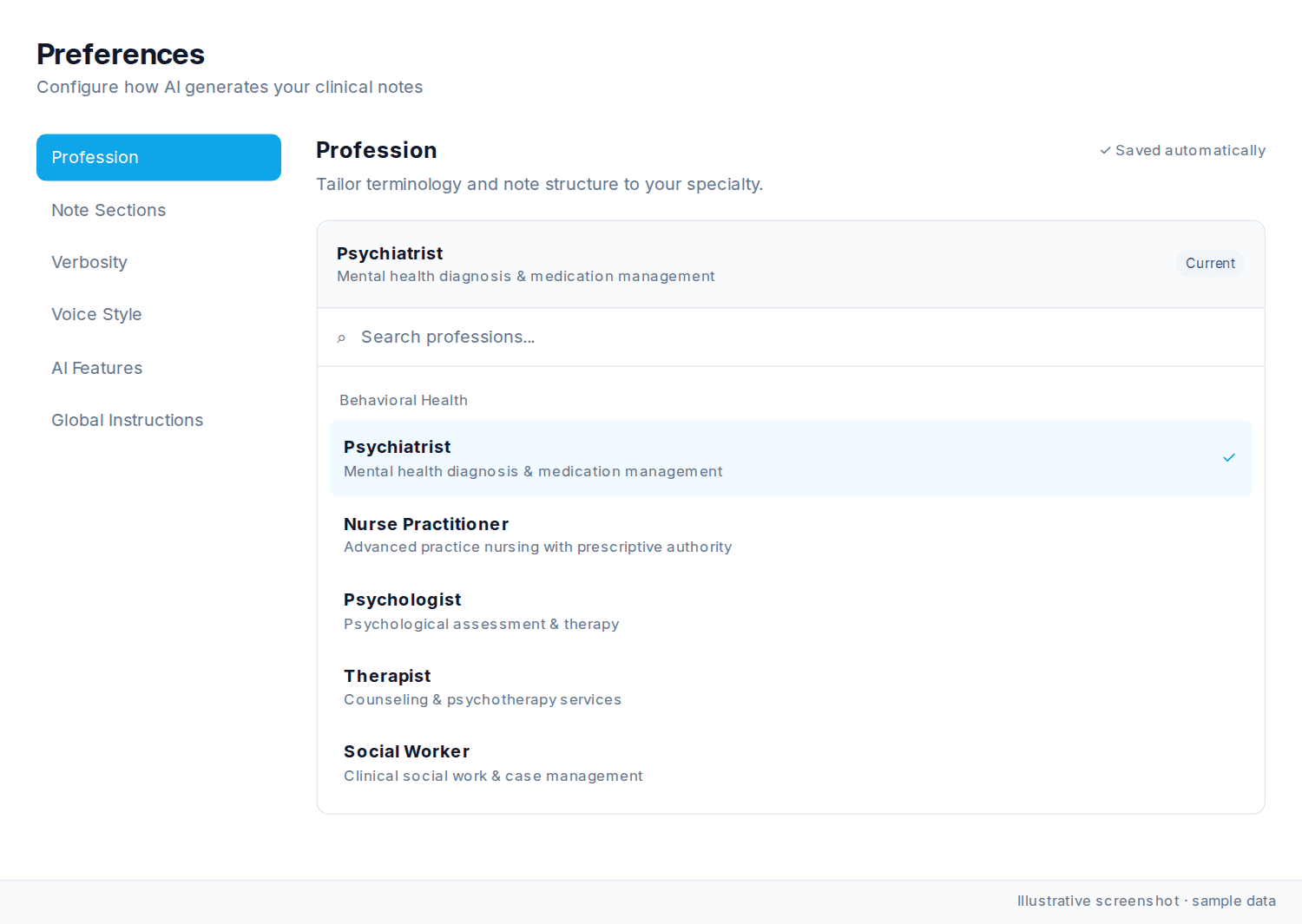
Settings categories
AI settings are organized into six categories:
| Category | What It Controls |
|---|---|
| Profession | Adjusts terminology and formatting for your healthcare specialty |
| Note Sections | Choose which clinical sections appear in your notes |
| Verbosity | Control how detailed your notes are |
| Voice Style | Set the writing tone and structure |
| AI Features | Enable automated features like medication updates |
| Global Instructions | Select note format and add custom instructions |
Default configuration
Nextvisit AI comes pre-configured for behavioral health documentation:
-
Profession: Psychiatrist
-
Note Sections: All enabled except Header/Footer
-
Verbosity: Standard
-
Voice Style: Naturalistic
-
AI Features: All enabled
-
Global Instructions: SOAP Note (Standard)
Saving your changes
-
Profession, Note Sections, Verbosity, Voice Style, and AI Features save automatically.
-
In Global Instructions, click Save Changes to save the note format and custom instructions.
-
A confirmation appears after saving.
-
Settings persist across browser sessions and devices
-
Changes apply to all future sessions (existing notes are not modified)
If settings are not applying, refresh to verify your selection. For Global Instructions, confirm you clicked Save Changes. To restore defaults, contact support or reselect the values above.
Was this article helpful?
Still stuck? Our team answers in the messenger.