Note editing and review
Add Context to Notes
Add background information and private notes to improve your clinical documentation quality.
How to use the Context area
-
Open the Context field in the Nextvisit AI interface before or during your patient encounter
-
Add relevant information such as:
-
Current medications and dosages
-
Known allergies and reactions
-
Relevant medical history
-
Family history details
-
Previous treatment responses
-
Clinical observations
-
Private notes about the patient’s condition
- Continue adding information throughout the encounter as new details emerge
When using the recorder, you can type in the Context area without speaking information aloud. This is useful for sensitive observations or anything you want documented privately.
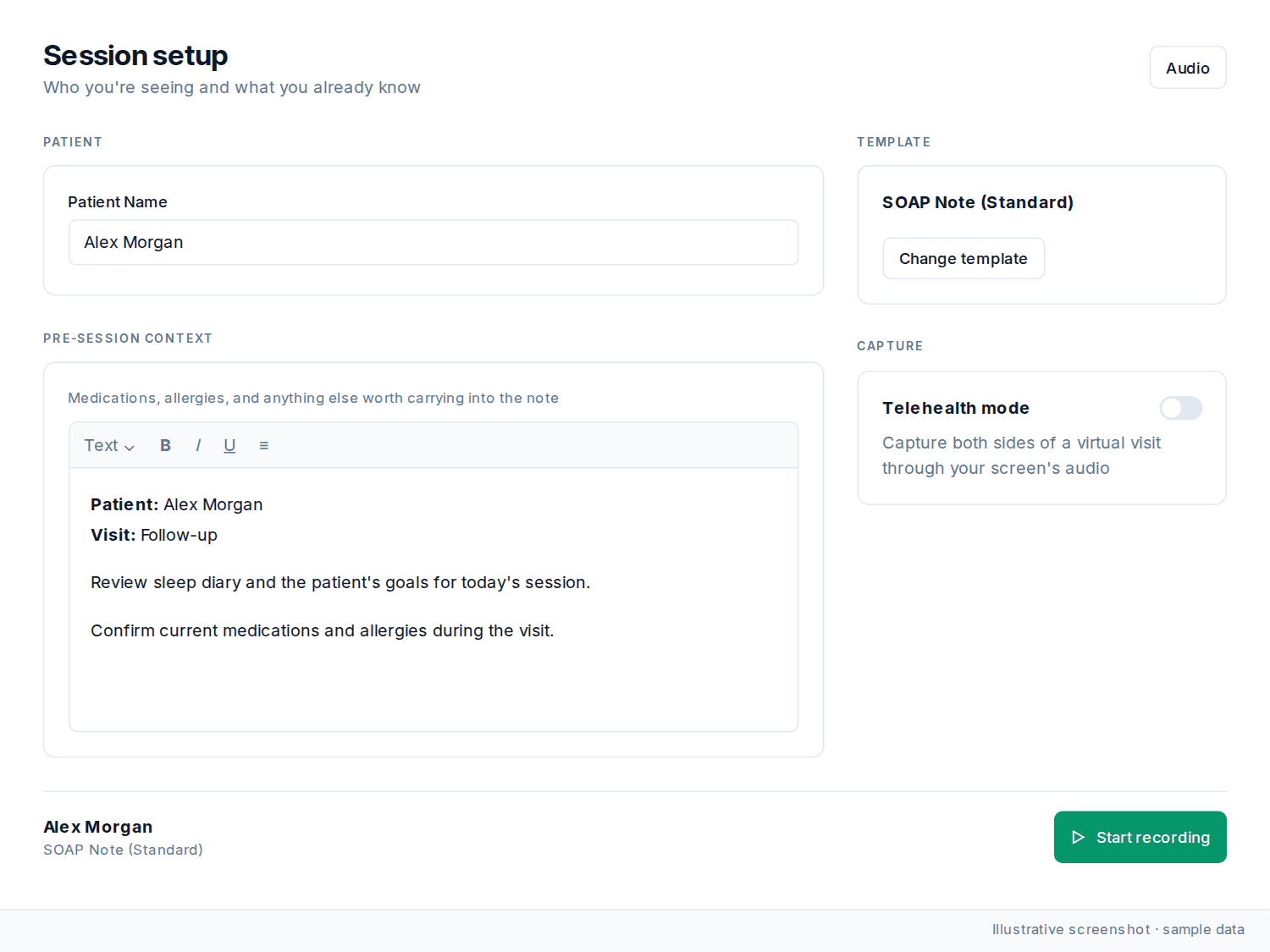
Pre-filled context
The Context field may already contain information pulled automatically from system integrations, including data from previous encounters, medication lists, allergy records, and EHR integration data. Review this for accuracy and add anything it’s missing.
Example entries
-
“Patient has been non-compliant with metformin 500mg BID for past 2 weeks”
-
“Family history of CAD - father had MI at age 52”
-
“Patient appears anxious about upcoming procedure”
-
“Previous adverse reaction to penicillin - hives and swelling”
Was this article helpful?
Still stuck? Our team answers in the messenger.