Product overview
Nextvisit Compass
What Nextvisit Compass at nextvisit.care is, where its provider listings come from, and how to request a correction or removal.
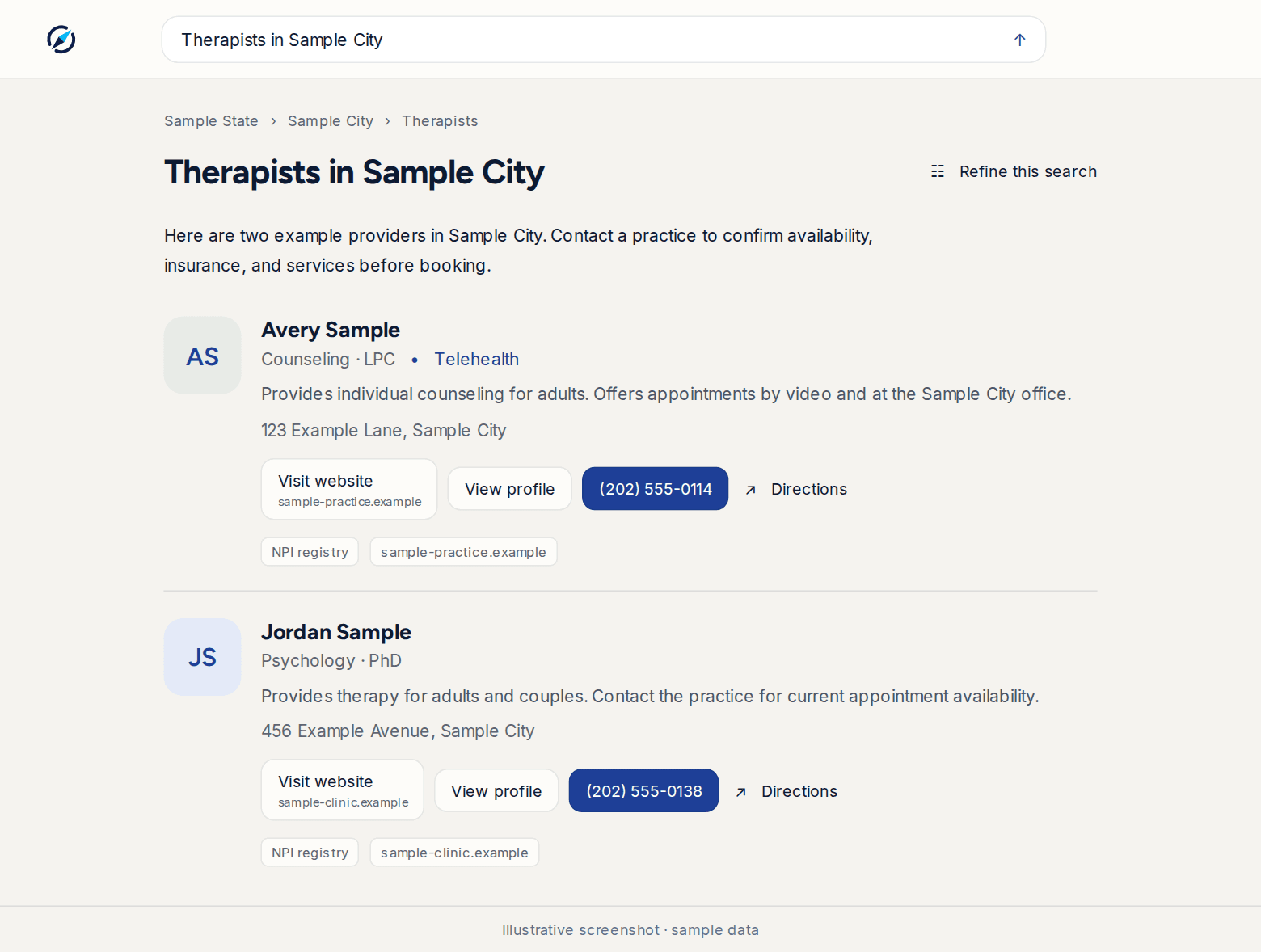
Nextvisit Compass is a public provider search at nextvisit.care. Patients type what they are looking for in plain language, such as a specialty and a town, and get a short answer plus a list of provider cards. It is separate from the Nextvisit clinical app and does not require an account.
Where listings come from
Compass builds each card from two public sources:
- The NPPES NPI Registry: name, credential, specialty, practice address, and phone for licensed clinicians.
- Public websites: practice sites, telehealth services, and directory listings. An AI model reads these pages and writes the card summary and any review summary.
When both sources describe the same clinician, the registry fills the fields it carries and the web fills the rest. Cards show which sources they used.
AI can make mistakes. Compass asks patients to confirm details with the provider before booking.
Request a correction or removal
If you are a clinician or practice and a listing about you is wrong, or you want it removed, contact Nextvisit Support at help.nextvisit.ai. Include:
- Your provider or practice name, city, state, and NPI if you have one
- The nextvisit.care page link, plus the search terms and location you used
- The incorrect information and the correction you want, or the listing you want removed
- A public source that supports the correction, such as your practice website
- Your role and a practice contact address for follow-up
Do not send patient records or medical details. Support confirms the request with you after the change has been applied and checked.
A correction or removal changes results on nextvisit.care. It does not change the NPPES registry, your practice website, or third-party review sites. Contact those publishers separately if their information also needs to change.
Was this article helpful?
Still stuck? Our team answers in the messenger.