Apps and API
Manage Integration API Keys
Create, view, and manage API keys for connecting external applications to your Nextvisit AI account.
Accessing API Keys
-
Click your user profile in the bottom left corner
-
Click Settings (gear icon)
-
Select API Keys from the menu
The page heading is API Tokens. Create Token adds a token. Manage Tokens appears after you have at least one.
OAuth apps (Claude, MCP, and other authorized clients) are under External Apps in Settings, not on this page.
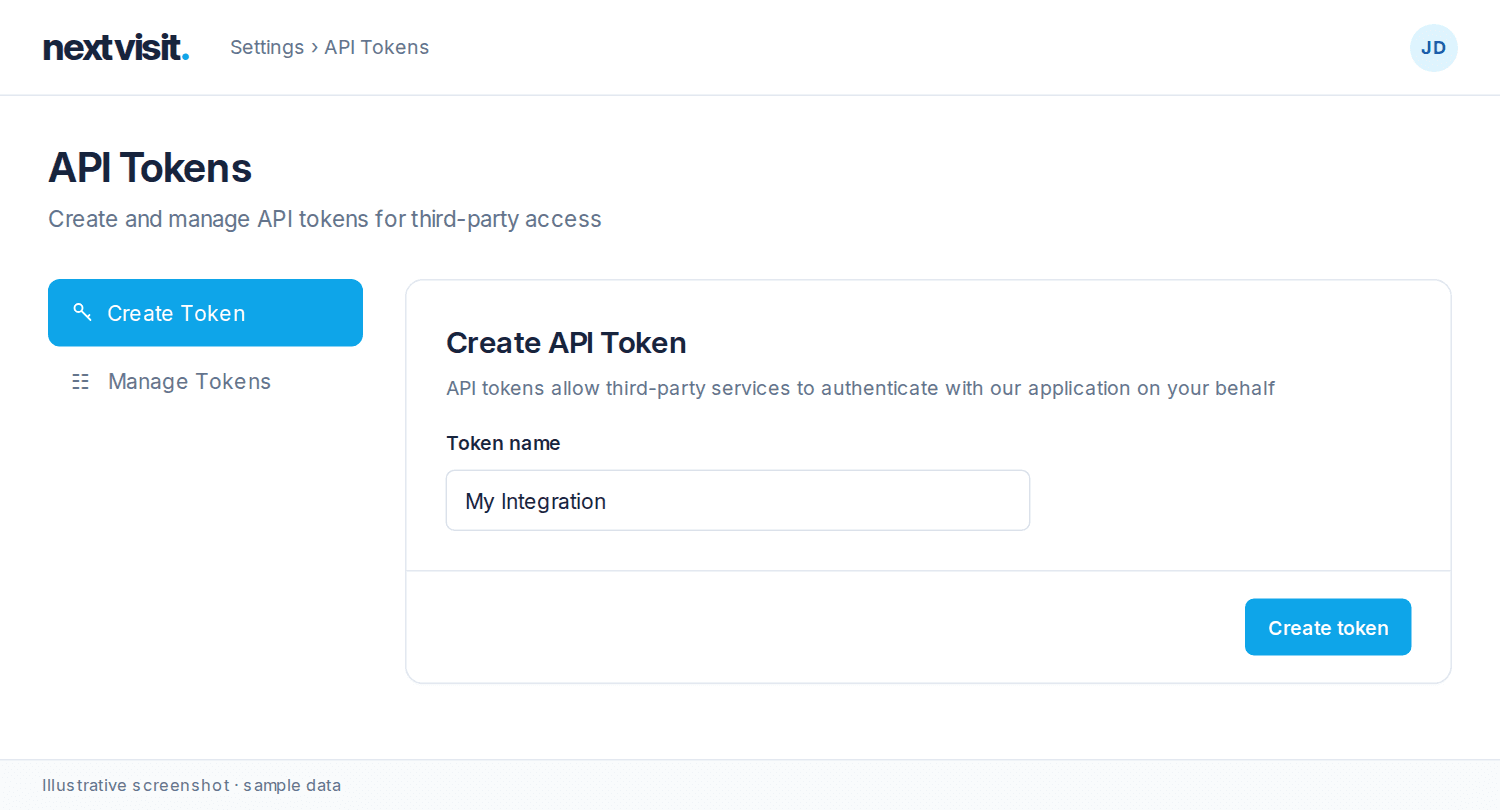
Creating and managing tokens
Create a token only for an application you trust. Each token grants access to your Nextvisit account data. Open Manage Tokens to see token names and revoke a token you no longer need.
Rate limits
API requests are limited to 240 per minute. Contact support if your use case requires a higher limit.
Was this article helpful?
Still stuck? Our team answers in the messenger.