Workspace administration
Activity Log
What the workspace Activity Log records, how to open it, and how to request a CSV export.
How to access the Activity Log
-
Click your profile icon in the bottom left sidebar
-
Select Activity Log from the popover menu
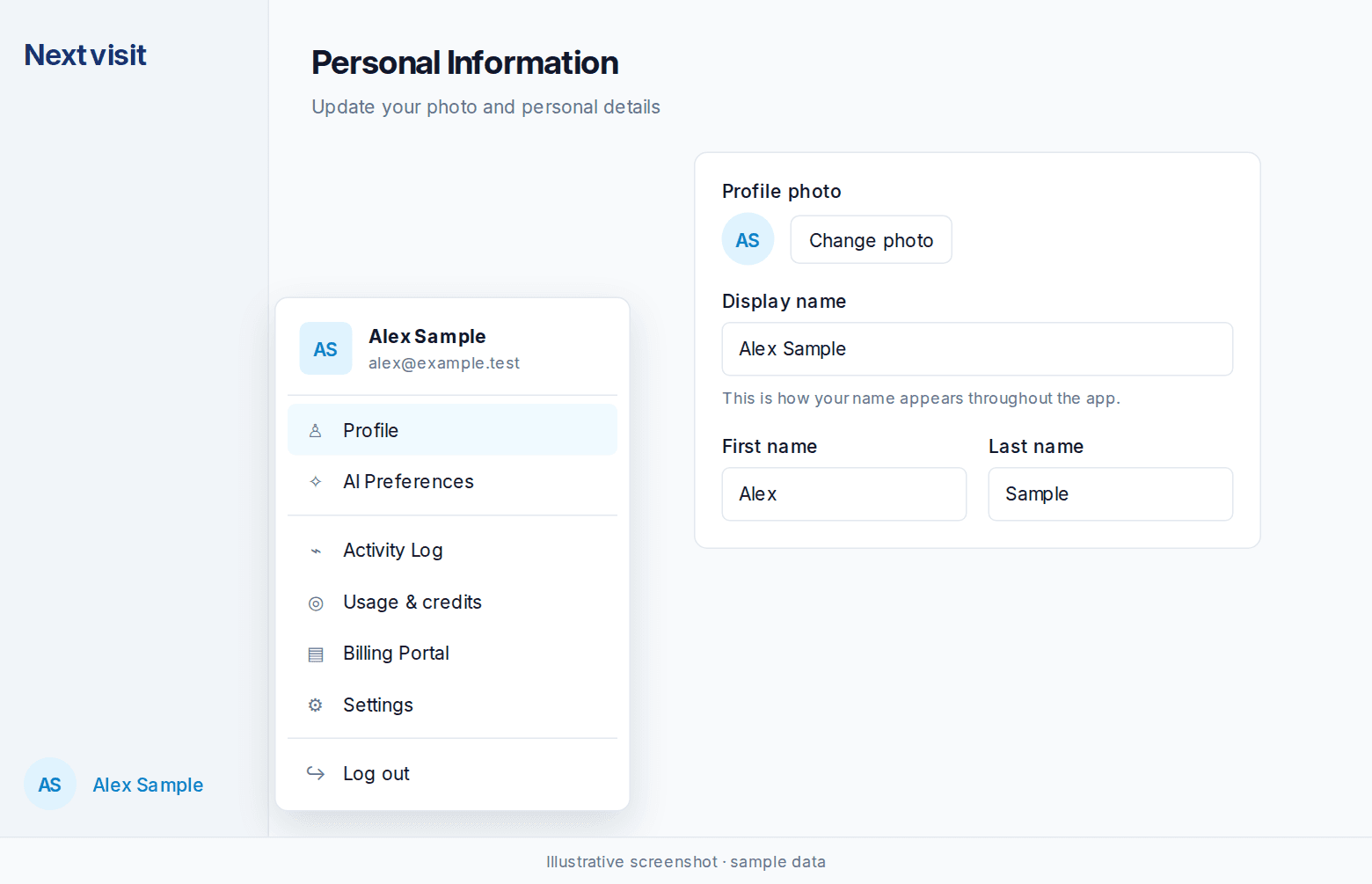
Credit spend and remaining credits are on Usage. Open Usage & credits in the same profile menu. See Usage and credits.
What is tracked
-
Chart views: Every time a patient chart is accessed
-
Patient records: All patient record interactions
-
Sign-in activity: Successful login attempts
-
Failed sign-ins: Unsuccessful login attempts
-
API usage: All API interactions and data exchanges
-
User details: Who performed each action
-
Timestamps: When each activity occurred
-
Access details: What specific information was accessed
Understanding log entries
Each entry includes the action type, the team member who took the action, a timestamp, and details about what was accessed or modified. Note that viewing the log itself generates entries, so you’ll see some logging activity mixed in with actual user actions.
Exporting activity data
To request a CSV export for compliance purposes or deeper analysis:
-
Contact Nextvisit support
-
Provide your workspace name
-
Specify the date range you need
-
Allow 2-3 business days for processing
Use the log for audits, unusual access patterns, failed logins, and incident review.
Was this article helpful?
Still stuck? Our team answers in the messenger.