Troubleshooting
Getting more help
What to do when something looks wrong and this help center does not cover it.
If something in Nextvisit looks wrong and you cannot find an answer here, open Support in the signed-in sidebar. That opens the support messenger. If the messenger is unavailable, Contact support asks for Your email and How can we help?, then Send message.
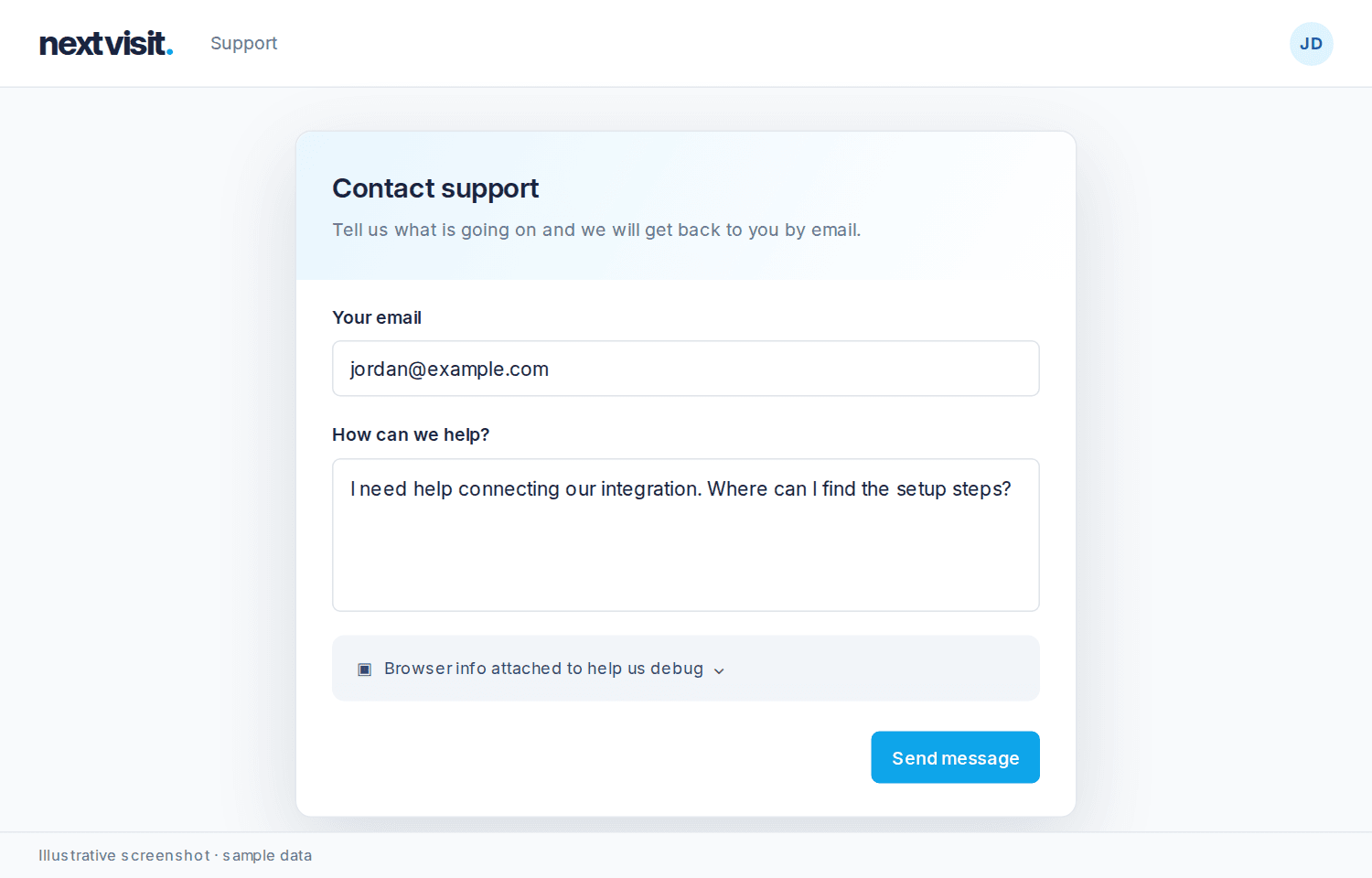
On this help site, click Open support chat. The chat searches this help center first and answers when it can. When the question needs a person, it brings in a member of the team.
At the end of an article, Was this article helpful? asks Yes or No. Message us opens a conversation about that article. In chat, the same ask is Was this helpful? with Ask us about this.
These questions go to a person:
- Clinical, diagnostic, or medication questions about a specific patient.
- Legal questions, including anything about HIPAA compliance.
- Billing disputes or anything involving a charge you don't recognize.
Log in (next to the logo) and My conversations open past threads at help.nextvisit.ai/portal. Guests receive an email link. Conversation text stays off that page until you log in. My conversations is for reading. Reply in Open support chat.
In Open support chat, Attach files (on a small screen, Attach) adds up to five files, 4 MB each. You can paste a file into the message box. My conversations shows attached files. It does not upload them.
A conversation shows where it stands: Open, With the team, Waiting for a reply, Paused, On hold, or Resolved. Paused includes a time when the team will pick it back up. On hold does not. You can still send a message. A person who replies is named on that message. When a request is Resolved, the thread asks How did we do? (1–5). Send a message in chat to reopen it.
If chat is unavailable, email hello@nextvisit.ai. Call +1 (844) 685-2295, 10 AM to 4 PM EST, Monday through Friday.
Was this article helpful?
Still stuck? Our team answers in the messenger.